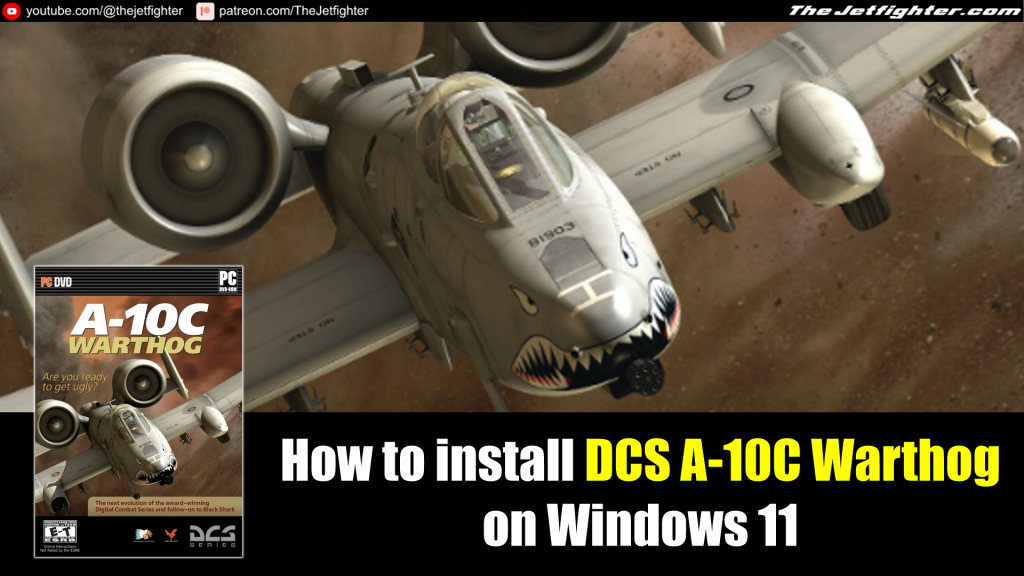
DCS: A-10C Warthog is one of the most realistic military flight simulation games ever created, allowing players to experience the legendary Fairchild Republic A-10C Thunderbolt II in a highly detailed combat environment.
Developed by Eagle Dynamics, the simulator features an authentic clickable cockpit, advanced avionics, realistic flight physics, and challenging close air support missions based on real-world procedures.
Whether you are a newcomer looking to learn the aircraft or an experienced virtual pilot, DCS: A-10C Warthog delivers an immersive and rewarding simulation experience.
In this installation guide, you’ll learn how to install DCS: A-10C Warthog correctly and get ready to fly with the latest updates and optimal settings for the best performance.
What do you need to install
In order to install and make this game work on your Windows 10 and/or your Windows 11 PC you need to download the following software:
- DCS: A-10C Warthog installation files
- DCS: A-10C Warthog (English translation files)
- DCS: A-10C Warthog Keygen
Installation proccess
In the following video I will show step-by-step how to install DCS: A-10C Warthog on your PC.
User
i recommend removing and looking over this keygen, it makes network connections for some reason and interacts with google updater
The Jetfighter
If you don’t use the keygen, you would not be able to activate the game.
Godis
Alright, this is how you fix it entirely:
– Install the older 1109 build from fileplanet. Install it to another location and also rename the startmenu entry. Don’t let it create any desktop shorcuts!
From now on I refer to the 1109 version as “the old build”, and to the 1111 version as “the new build” (cannot use dots here, since it seems to “recognize it as a link, lol”).
– Go into the old build’s root dir, open /training/en and copy all three folders there.
– Go into the new build, open /training and move those folders there to some backup location.
– Paste the three folders from the first step into the now empty /training folder.
that concludes the russian texts for the training module.
Now to the audio:
– In the old version open the /sounds folder and copy everything!
– Paste it into the /sounds folder inside the new version. If asked to replace something, press NO to all! The new build has some updated scripts and stuff, that you don’t want to overwrite!
Now all training missions are fully English, both text and audio!
Finally we fix the Encyclopedia and the mission editor!
– In your new version, open the /MissionEditor folder (just in case, backup the entire folder to somewhere outside the game).
– Now use the search function to look for “_ru”. When it’s done searching, mark all found files and delete them.
That’s it!
Now the entire game is fully English. Enjoy!
The Jetfighter
Awesome! Didn’t know Fileplanet was still on 😀
Mateo
The keygen isn’t working; is there a crack or something?
The Jetfighter
What kind of error are you getting?
farai dzambo
THE SERIAL ENTERED I WRONG OR MISTYPED.ENTER A VALID SERIAL NUMBER AND TRY AGAIN
IVE TRIED SEVERAL TIMES WITH THE SAME RESULTS
The Jetfighter
You have to generate a new serial number from the Keygen. The one that the game shows by default you won’t work.