Flight simulation old and new

Month: March 2026

How to install MIG Alley on Windows 10 or Windows 11

 How to install MIG Alley on Windows 10 or Windows 11
How to install MIG Alley on Windows 10 or Windows 11

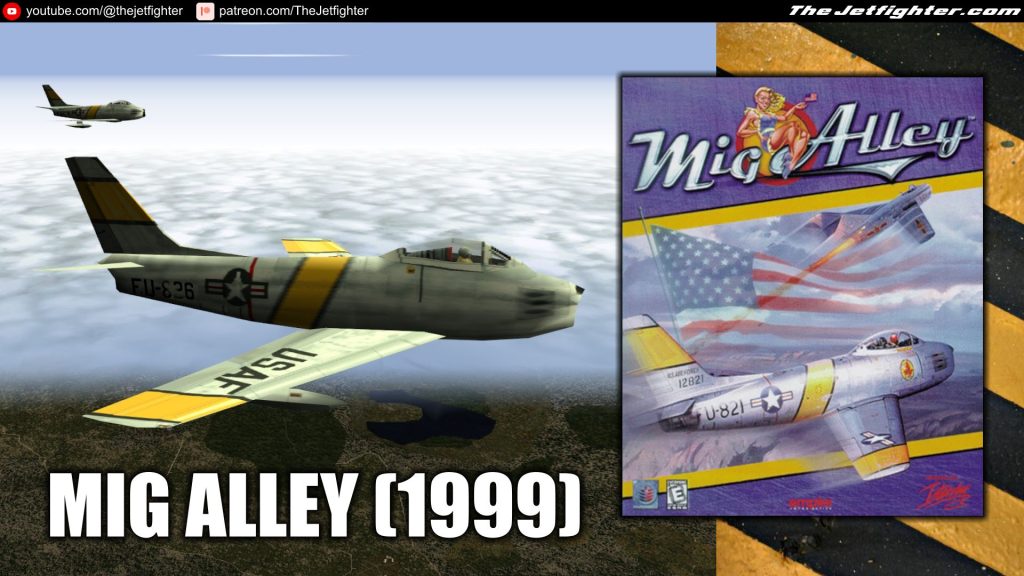
Mig Alley is a combat flight simulation video game, developed by Rowan Software for PCs with Windows, and was published by Empire Interactive in 1999. In this post I will show you how to install Mig Alley on a Windows 10 or Windows 11 PC.

Note: This is an over simplified installation procedure from an original setup described here. Just a guide to get you up and running the game the fast and best as possible.

What do you need

The following files are needed in order to install and make the game work on your PC. Right click on the links and click on SAVE AS to save the files on your PC.

Mig Alley installation process

Open/mount the Mig Alley_v1_1.iso file previously downloaded.

Once the installation CD is mounted, look for the SETUP.EXE file and double click on it to begin the installation program and just click NEXT for the rest of the installation. By default, the game will be installed on C:\rowan\mig.

After the installation is finished, open the DLL libraries.rar files and extract all three files from it. Those file should be the following:

  • ddraw.dll
  • mss32.dll
  • smackw32.dll

Now copy (do not cut) those files and paste them in the root of C:\rowan\mig or whatever folder you installed the game into.

Open the game from its MIG Alley icon and enjoy. 
How to install LockOn Flaming Cliffs 2 (NO Keygen)

How to install LockOn Flaming Cliffs 2 (NO Keygen)

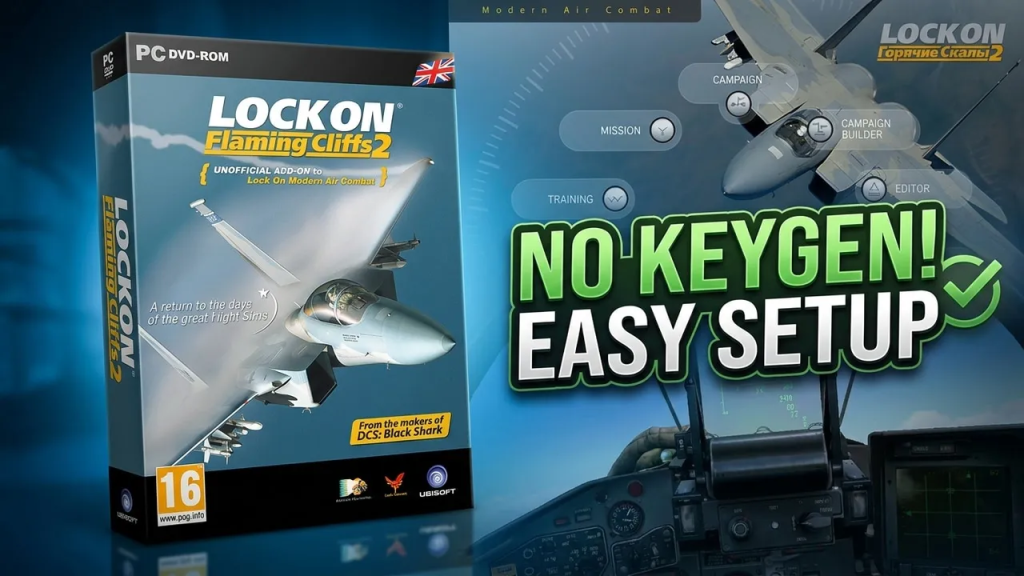
LockOn Flaming Cliffs 2 is a classic combat flight simulator that builds on the legacy of the original Lock On Modern Air Combat, delivering a deeper and more polished experience for fans of realistic military aviation. Developed by Eagle Dynamics and released in 2010, the simulator focuses on modern jet combat with flyable aircraft such as the A-10A Thunderbolt II, F-15C, and Su-27 Flanker. 

Known for its detailed avionics, improved flight models, and dynamic battlefield environments, the game struck a balance between accessibility and realism, making it a favorite among virtual pilots who wanted serious air combat without the steep learning curve of full-fidelity study sims. 

Even years after its release, LockOn Flaming Cliffs 2 remains an important stepping stone in the evolution of modern combat flight simulation and a nostalgic favorite within the flight sim community.

What do you need

All you need is the installation files. To get those files just click on this link: Lock On Flaming Cliffs 2

Installation process 

Since this installation won’t require any key activation, it’ll be a pretty fast, easy and straight forward process. But still you can watch the following video showing that process before installing the game on your PC.

Powered by WordPress & Theme by Anders Norén