Flight simulation old and new

Tag: MS-DOS Game Page 1 of 4

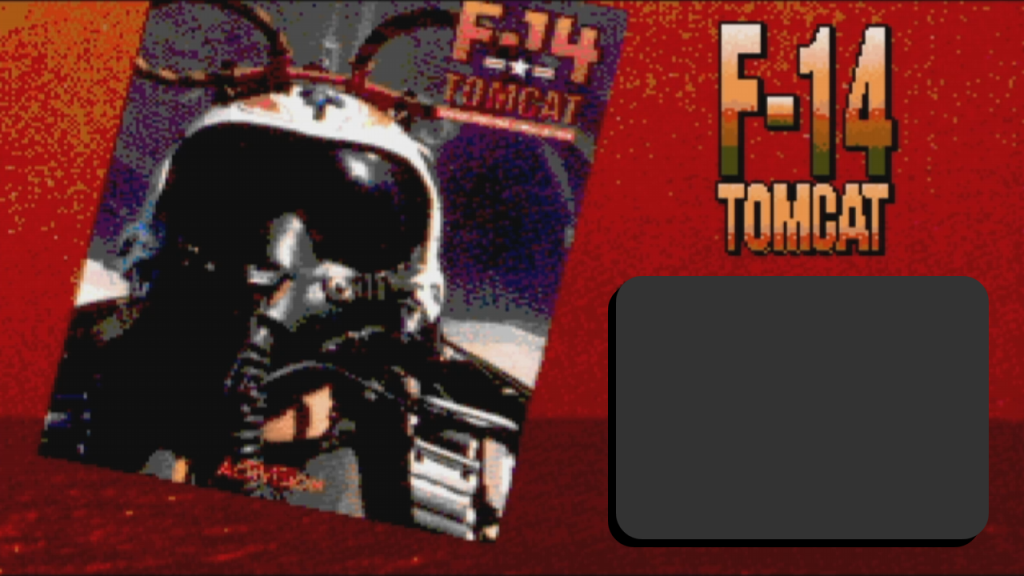
F-14 Tomcat for MSDOS (Activision, 1989) – Gameplay

F-14 Tomcat for MSDOS (Activision 1989)

There is certain charm in some “ancient” video games. They make you go a trip back in time where the graphics, and the gameplay were very “archaic” for today’s standards but still manage to be fun and entertaining. 

One of those game I found out about thanks to the suggestion of a viewer on Instagram is F-14 Tomcat, a combat flight simulation video game for the MSDOS platform released in 1989, or 1990 according to some sources.

There is also an older version of the game released in 1988 for the Commodore 64 but I haven’t tried it yet.

F-14 Tomcat Gameplay

The following is a gameplay of the game that I published on The Jetfighter’s YouTube channel. All those gameplays are included in its own playlist for everyone to watch, share and enjoy. 

F-14 Tomcat Download

Despite the age of this game, it’s still pretty easy to find on the Internet. The following is a list of sites where you can download the installation files and give this game a try on your own PC.
How to Install Black Knight Marine Strike Fighter on Windows 10/11

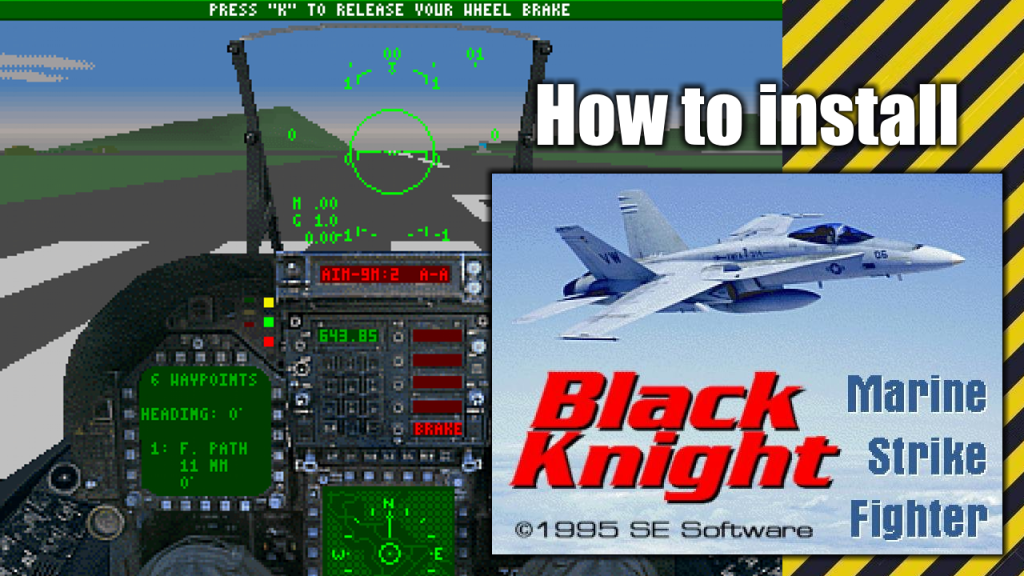
How to Install Black Knight Marine Strike Fighter on Windows 10/11

Released by SE Software in 1995 for MS-DOS, Black Knight is an air combat F/A-18 Hornet flight simulator. It features 50 different combat missions, 8 training missions as well as a free flight mode.

A built-in mission creator is also available. Features included a flight instructor mode which offered instructions at every key point of flight or combat; flight recorder to play back your flight viewed from various angles; and digitized engine and cockpit sounds from actual F/A-18 Hornets.

In this post I will show you how to install Black Knight Marine Strike Fighter on a Windows 10 or Windows 11 PC.

What do you need to make the installation

To complete the installation of Black Knight Marine Strike Fighter on your Windows 10/Windows 11 PC you will need the following programs or software:

  • An MSDOS emulation program (I use this one)
  • Black Knight Marine Strike Fighter installation files (Download)

Installation process

This is a standalone and straight forward installation process which is explained with more detail in the following video:

Installation process

This is a standalone and straight forward installation process which is explained with more detail in the following video:

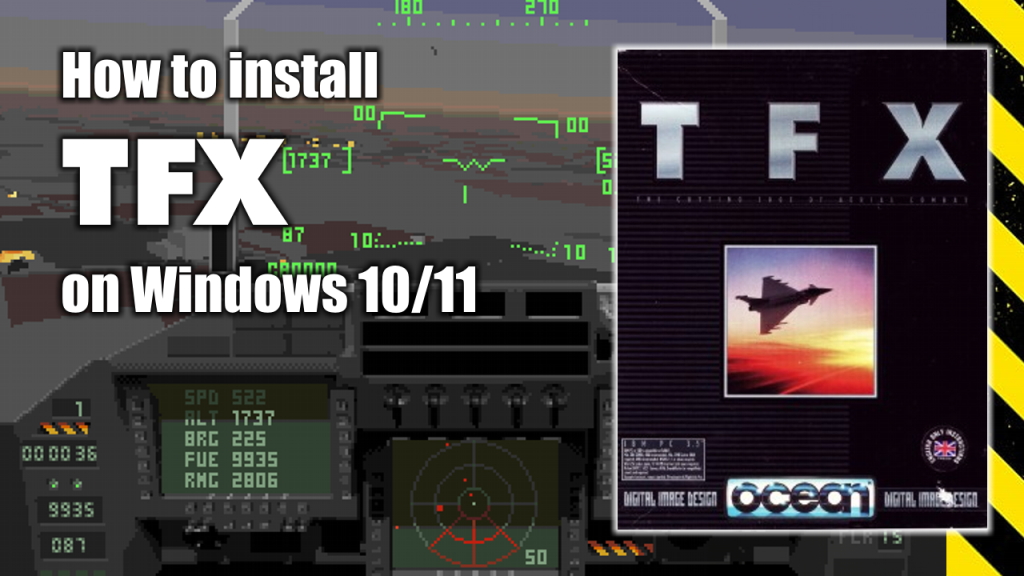
How to install TFX Flight Simulator on Windows 10 or Windows 11

How to install TFX Flight Simulator on Windows 10 or Windows 11

In TFX you are a United Nations pilot that is placed in several campaigns. The game gives you three flyable aircraft, the Eurofighter, the F-22 and the F-117. There are a lot of missions, adjusting to these three planes as needed.

The VGA graphics are pretty good, even excellent sometimes. In this post I will show you one of the easiest ways to install U.S. Navy Fighters on a Windows 10 or Windows 11 PC.

What do you need to make the installation

To complete the installation of U.S. Navy Fighters on your Windows 10/Windows 11 PC you will need the following programs or software:

  • Installation CDs or installation .ISO image. (Download)
  • D-Fend Reloaded. A graphical environment for DOSBox, program that emulates a complete computer including the DOS command line and allows to run nearly all old DOS based games on modern hardware with any of the newer Windows versions (Download & Installation process).

Installation process

This is a standalone and straight forward installation process which is explained with more detail in the following video:

Page 1 of 4

Powered by WordPress & Theme by Anders Norén