Digital Combat Simulator, or DCS World, has been the king of combat air simulation for a couple of years now. Its level of realism and fidelity has taken it to the top choice among flight sim enthusiasts.
Unfortunately for many of us, that same level of realism and detail has made DCS a pretty demanding game in terms of hardware requirements.
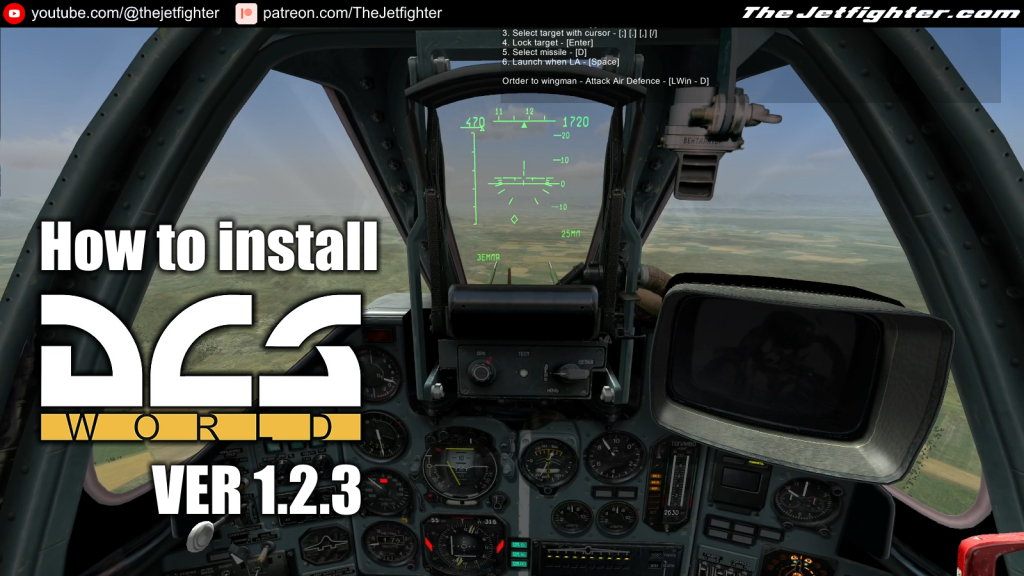
In this post I will show you where to get and how to install one of the earliest versions of the game.That way you’ll be able to play the actual DCS WORLD without the need of a “NASA level” PC.
What do you need to make the installation
To complete the installation of DCS World 1.2.3 on your Windows 10 or Windows 11 PC you will need the following programs or software:
- DCS World 1.2.3 Installation .ISO image (Download / Alternative)
Installation process
This is a standalone and straight forward installation process which is explained with more detail in the following video:
cleverpeach
what about DCS black shark 2
The Jetfighter
Never found it :-/
inquitous
Hey does this support mouse controls like in strike fighters 2?
The Jetfighter
Yes, it does.