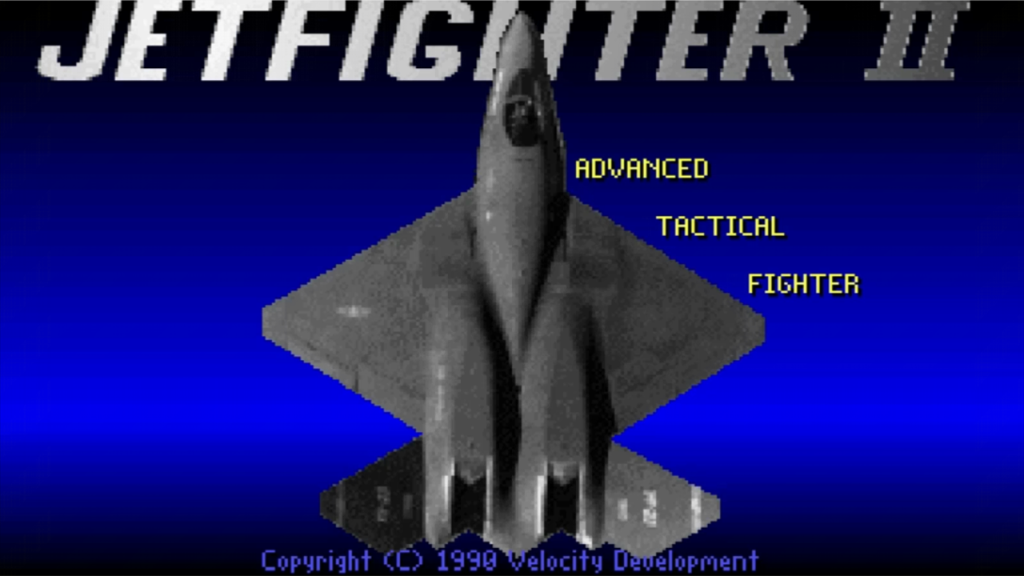
JetFighter II: Advanced Tactical Fighter is a combat simulation video game published by Velocity Development in 1990.
The game lets you take to the air in the YF-23 ATF, also know as “Black Widow”, in a war against the Soviet backed Latin American Revolutionary Alliance (LARA) as they fight their way across California.
Fly from real airports and visit real locations, including a detailed representation of downtown San Francisco. Free-flight and instant flight modes are available if you just want to try a supersonic run under the Golden Gate Bridge or select from single missions or the continuing campaign against LARA.
Game options include a campaign mode, where mission successes and failures dynamically affect the overall war, free flight, and various other single mission scenarios.
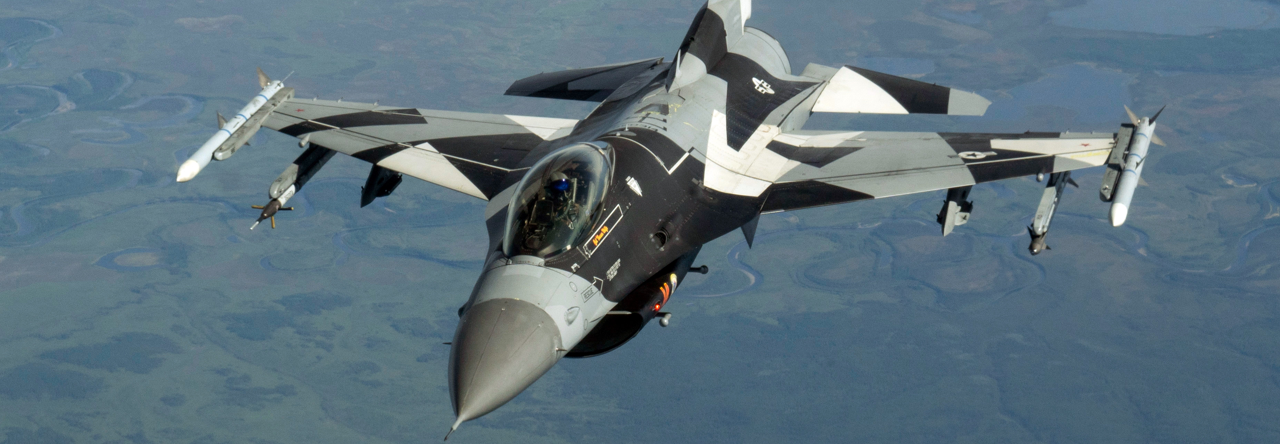
The YF-23 has the naval package, which allows it to participate in carrier-borne operations alongside the F-14, the F/A-18 and the F-22. Also included is the F-16 for some land-borne missions.
Jetfighter II Playthrough
The game’s campaign is called Revenge of the LARA and is divided in five sectors. Each sector is about 20 missions in length and have to be played in order. Depending on your performance on each mission you can be promoted, or in some cases demoted, from one sector to the other until you eventually beat the game.
Install Jetfighter Advanced Tactical Fighter on your PC
This game is now an abandonware title. You can download it for free from the following web sites:
If you want to install and play this game on your own PC there is a guide to help you with that right here.
Leave a Reply