Flight simulation old and new

Author: The Jetfighter Page 9 of 14

How to install D-Fend Reloaded (MS-DOS Emulator)

How to install D-Fend Reloaded (MS-DOS Emulator)

D-Fend Reloaded is a free and open source graphical environment for DOSBox. DOSBox emulates a complete computer including the DOS command line and allows to run nearly all old DOS based games on modern hardware with current Windows versions.

In this post I’m going to show how to install D-Fend Reloaded on your Windows 10 or Windows 11 PC.

Where to download D-Fend Reloaded

In order to install D-Fend Reloaded you have to download two files: the installer and the update package from its official website.

Installation process

In the following video, which you can also find on my YouTube Channel I explain the installation process of D-Fend Reloaded on Windows.

How to install HIND (Digital Integration, 1996) on Windows 10/11

How to install HIND (Digital Integration, 1996) on Windows 10/11

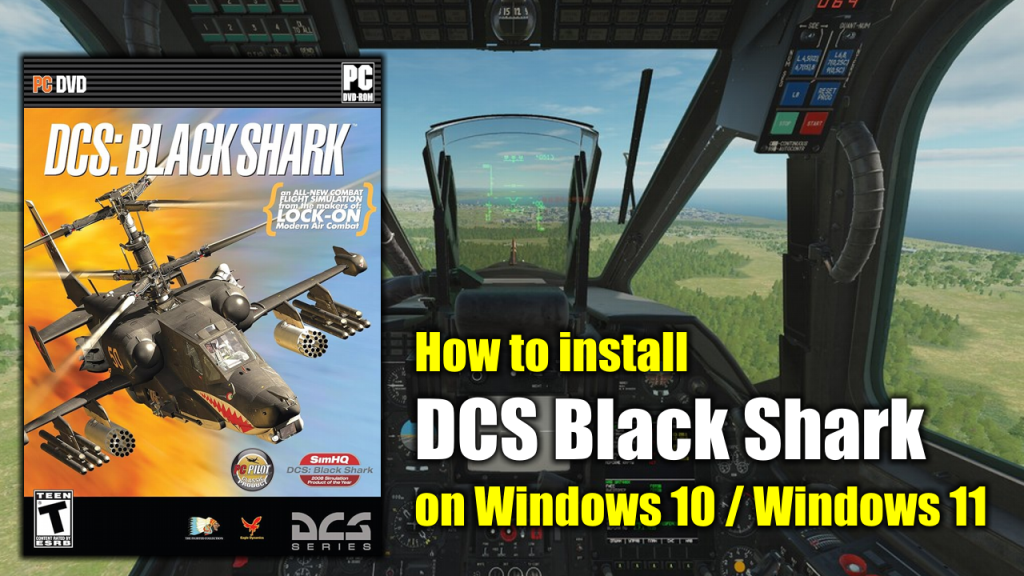
Hind is a combat flight simulation game released by Digital Integration in 1996 for MS-DOS compatible operating systems and Microsoft Windows. It is the successor to Apache. The game features the Soviet military Mi-24V Hind-E helicopter.

In this article I will show how to install this game and make it work on Windows 10 or Windows 11 computers.

What do you need to make the installation

To complete the installation of Digital Integration’s HIND on your Windows 10/Windows 11 PC you will need the following programs or software:

  • WineVDM. Allows modern 64-bits PCs to run 16-bit Windows programs. (Download)
  • HIND’s installation CDs or .ISO images. (Download)
  • DxWnd (Download)
  • DxWnd Fix (Download)

Installation process

This is a standalone and straight forward installation process which is explained with more detail in the following video:
How to install Apache (Digital Integrations, 1994) on Windows 10/11

How to install Apache (Digital Integrations, 1994) on Windows 10/11

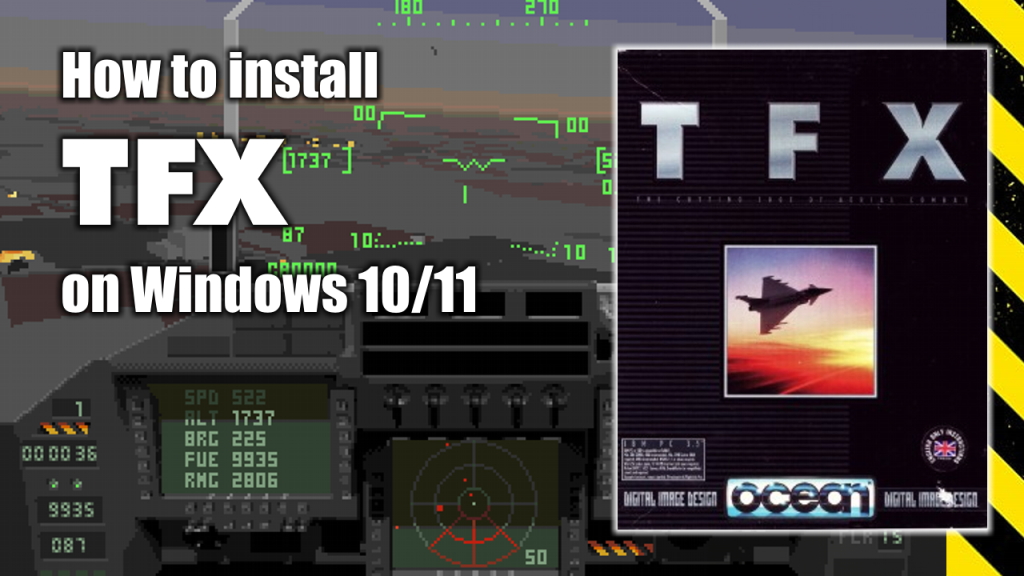
Considered by many to be the most powerful chopper ever to take to the skies, the Apache Longbow is the star of this detailed simulation.

Doing battle in four different combat theaters, you’ll use the strength and agility of the Apache to defeat packs of Russian tanks, anti-aircraft systems, and other deadly threats.

In this article I will show you how to install Apache on modern Windows 10 or Windows 11 computers.

What do you need to make the installation

To complete the installation of Digital Integration’s HIND on your Windows 10/Windows 11 PC you will need the following programs or software:

  • WineVDM. Allows modern 64-bits PCs to run 16-bit Windows programs. (Download)
  • Apache’s installation CDs or .ISO images. (Download)
  • DxWnd (Download)
  • DxWnd Fix (Download)

Installation process

This is a standalone and straight forward installation process which is explained with more detail in the following video:

Page 9 of 14

Powered by WordPress & Theme by Anders Norén