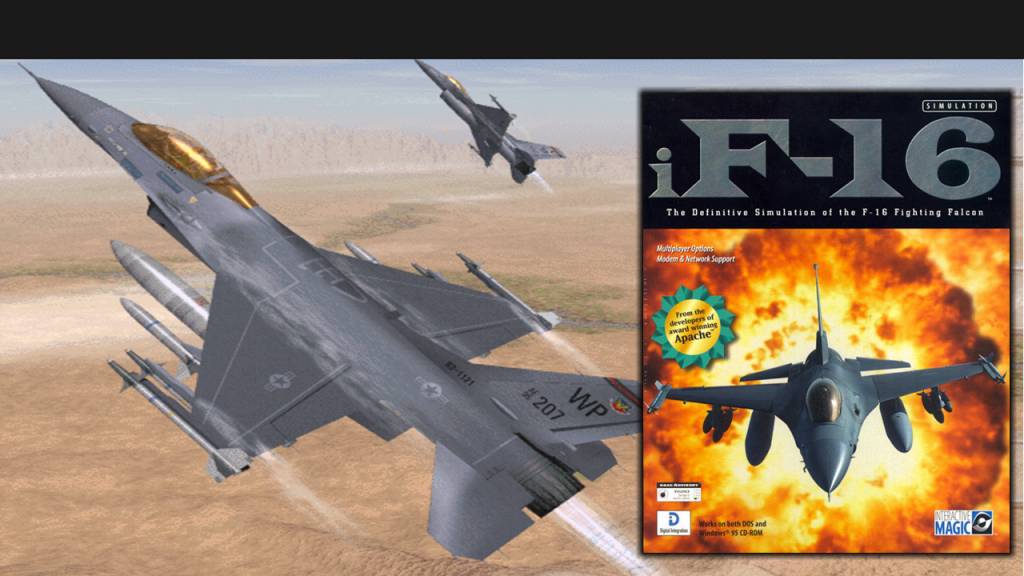
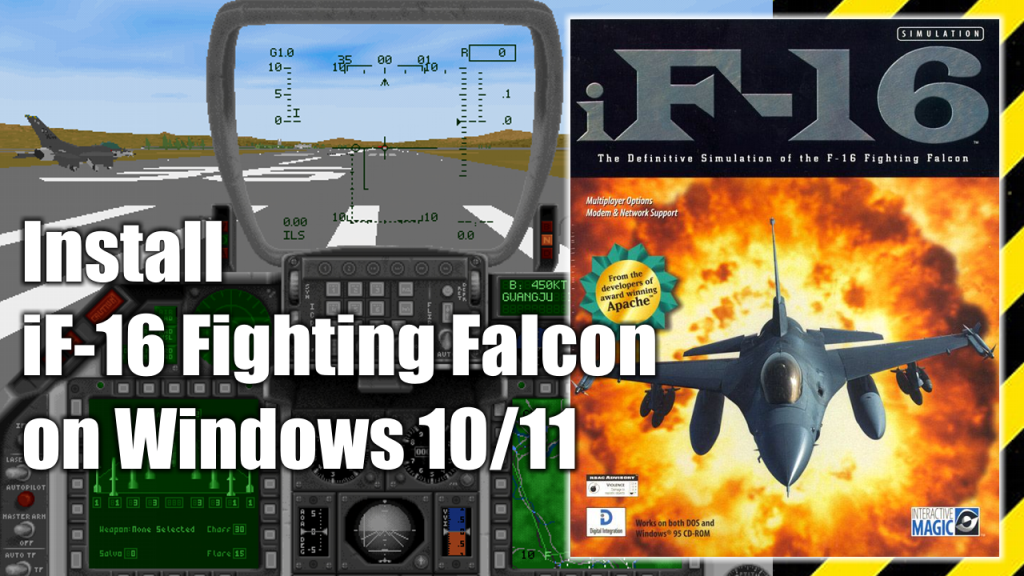
iF-16 Fighting Falcon is a combat flight simulator video game released in 1996 by Digital Integrations, the same people who brought Hind and Apache Longbow into the world. Originally intended to be played on the MSDOS/Windows 3.1 platforms. The graphics are really good for a 1996 game, and despite its age the game was fairly realistic in terms of simulation.
In this pot you’ll find a step-by-step guide to install and run iF-Fighting Falcon on a Windows 10 or Window 11 modern PC.
What do you need to install iF-16 Fighting Falcon
In order to install iF-16 Fighting Falcon your Windows 10 or Windows 11 PC you need to have the following programs at hand:
- Digital Integrations iF-16 Fighting Falcon installation CD or ISO image. (Download)
- WineVDM. Allows modern 64-bits PCs to run 16-bit Windows programs. (Download)
- DxWnd (Download)
- DxWnd Fix (Download)
iF-16 Fighting Falcon installation process
- Decompress OTVDM’s ZIP file. On the OTVDM folder, double click on install.exe and let the program be installed.
- Decompress the mydxwnd.7z file (you can do that with winrar) and copy its content on the root of your C: drive. The resulting directory path should be: C:\mydxwnd
- Insert the CD or mount the .ISO image of iF-16 Fighting Falcon and make a full installation of the game on C:\mydxwnd\f16.
- Install DxWnd Fix files. Decompress the mydxwnd.fix.7z file (you can do that with winrar) and copy its content on the root of the C:\mydxwnd folder. Overwrite if necessary.
How to run iF-16 Fighting Falcon
- Insert the CD or mount the .ISO image of iF-16 Fighting Falcon. The game only works if the CD or ISO image is mounted.
- Open the folder C:\mydxwnd\ and double click on dxwnd.cmd.
- Finally, double click on the F16 icon and enjoy the game
The following is a video of the installation process, and then running the game once the game is installed on your PC.
The original idea for this post and video was inspired by this post at Vogons.org.