Flight simulation old and new

Tag: Jane’s Combat Simulations IAF

How to Install Jane’s Combat Simulations IAF on Windows 10 / Windows 11

How to Install Jane's Combat Simulations IAF on Windows 10 / Windows 11
How to Install Jane’s Combat Simulations IAF on Windows 10 / Windows 11

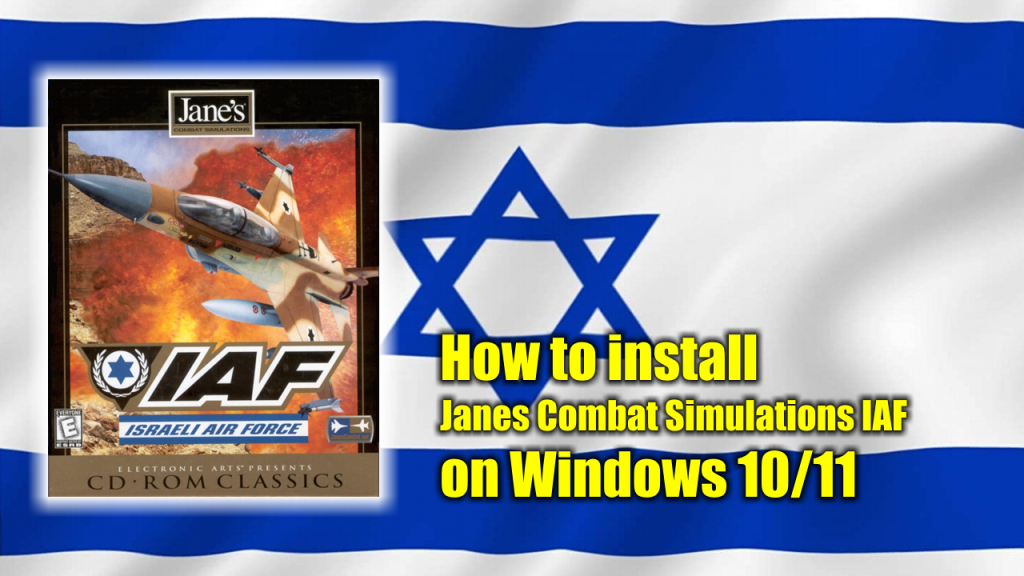
In this post I’ll show you how to install the flight simulation video game Jane’s Combat Simulations IAF (Israeli Air Force) on a modern Windows 10 or Windows 11 PC and make the necessary configuration to make it run smoothly. A classic video game that deserves to be enjoyed by old and new generations alike.

What is Jane’s Combat Simulation IAF

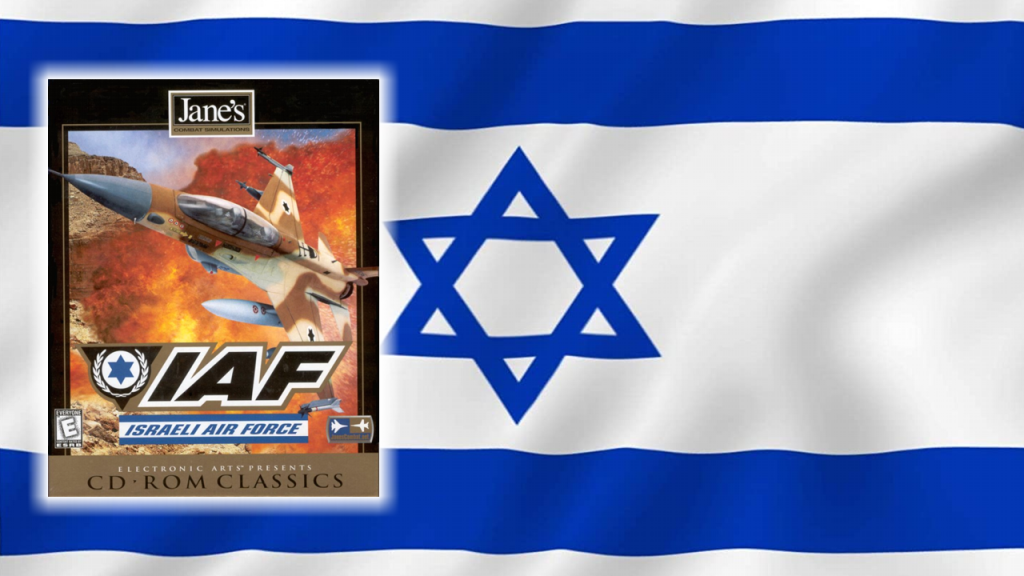
Jane’s IAF: Israeli Air Force is a military jet aircraft Combat flight simulation video game released in 1998. The game is set in the Middle East, featured a single campaign mode which included several missions and a Massively Multiplayer Online Arena.

There were two types of campaigns; the first type of campaigns featured recreations of several historic operations of the IAF such as the 1967 Six-Day War, the 1973 Yom Kippur War, and the 1982 Lebanon War. The second types of campaigns featured several fictional futuristic operations with Iraq, Syria, and Lebanon.

What do you need to install Jane’s IAF

To complete the installation of Jane’s Combat Simulations IAF on your Windows 10/Windows 11 PC you will need the following programs or software:

  1. The Jane’s Combat Simulations IAF installation CDs or .ISO image. (Download / Mirror)
  2. Jane’s Combat Simulations IAF 1.1 patch (Download)
  3. Tackleberry’s Patch for Jane’s IAF (Download)
  4. DXWnd (OG Edition) (Download)

Jane’s IAF Installation process

  1. Insert your Jane’s installation CD on your CD/DVD drive or mount the .ISO image and run a full installation of the game.
  2. Run and install the Jane’s IAF 1.1 Patch.
  3. Install the Tackleberry’s Patch for Jane’s IAF.
  4. Install the DXWnd (OG Edition) files in the Jane’s IAF installation folder.
  5. Configure DXWnd (OG Edition) to work with Jane’s IAF.
  6. Enjoy the game!

How to run Jane’s Combat Simulations IAF

The following is a video explaining in detail the installation process and later how to run Jane’s Combat Simulation IAF once the installation process is done:

The original idea for this post and video was inspired by this post at jkpeterson.net.

Jane’s Combat Simulations IAF (Israeli Air Force) – Full Playthrough

Jane's Combat Simulations IAF (Israeli Air Force)
Jane’s Combat Simulations IAF (Israeli Air Force)

Jane’s Israeli Air Force is a military jet aircraft Combat flight simulation video game released in 1998. Created by the Israeli software developer Pixel Multimedia and released under the Jane’s Combat Simulations line from Electronic Arts.

The plot is set in the Middle East, featured a single campaign mode which included several missions and a Massively Multiplayer Online Arena. There were two type of campaigns; the first type of campaigns featured recreations of several historic operations of the IAF such as the 1967 Six-Day War, the 1973 Yom Kippur War, and the 1982 Lebanon War. 

The second types of campaigns featured several fictional futuristic operations with Iraq, Syria, and Lebanon. (Source: Wikipedia)

Playthrough

The following is the play-through of Jane’s Combat Simulations AIF. You can watch it here or at my Youtube Channel to which you are cordially invited to visit, like and subscribe.

Install Jane’s Combat Simulations IAF

You can download the digital installation CD for this game at the Archive.org web site (download the installation .ISO file called: IAF_game.ISO). 

Also, in order to play this title compatible to modern Windows 10 / 11 PCs you have to install and configure the following programs: 

For detailed instructions about how to install and configures those programs visit this website. Those programs and instructions are the same ones I’ve personally used to install Jane’s IAF on both Windows 10 and Windows 11.

Powered by WordPress & Theme by Anders Norén