
Flight simulation old and new

Author: The Jetfighter Page 5 of 14

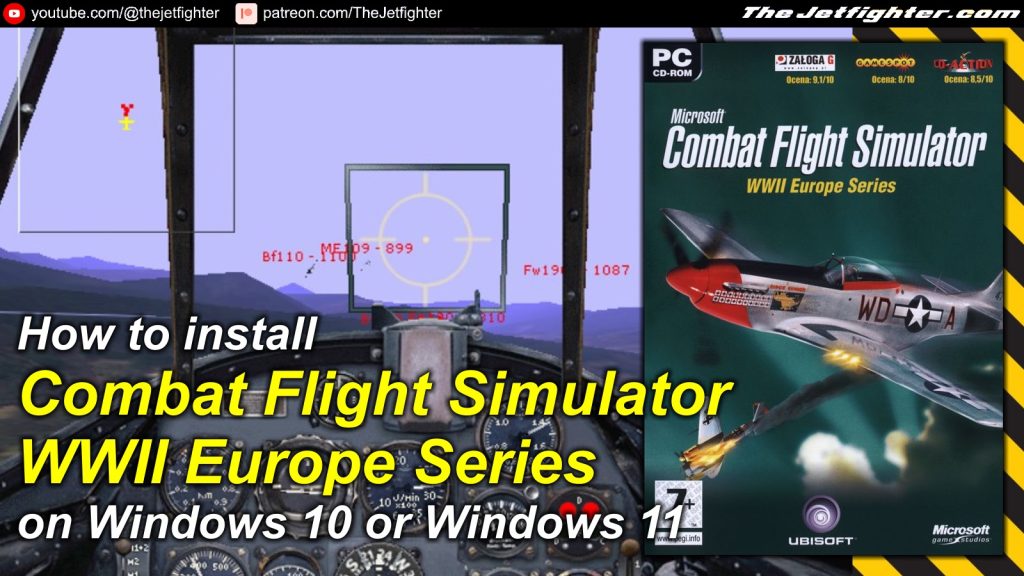
How to install Combat Flight Simulator 3: Battle for Europe on Windows 10 or Windows 11

How to install Combat Flight Simulator 3: Battle for Europe on Windows 10 or Windows 11
How to install Combat Flight Simulator 3: Battle for Europe on Windows/11

Combat Flight Simulator 3: Battle for Europe is a World War II-themed flight simulation game developed by Microsoft, released in 2002. It focuses on the European air war from 1943 to 1945, allowing players to experience intense dogfights, bombing missions, and ground attack operations. 

The game features a dynamic campaign where players can choose to fly for the United States Army Air Forces, the Royal Air Force, or the Luftwaffe. With a variety of historically accurate aircraft, customizable missions, and realistic flight physics, CFS3 offers an immersive experience, capturing the strategic and tactical challenges of aerial combat during one of history’s most intense conflicts.

In this post I will show you how to install Combat Flight Simulator 3: Battle for Europe on Windows 10 or Windows 11 modern PC.

What do you need to make the installation

To complete the installation of Combat Flight Simulator 3 on your Windows 10 or Windows 11 PC you will need the following programs or software:

Installation process

This is a standalone and straight forward installation process which is explained with more detail in the following video:

How to install Tom Clancy’s H.A.W.X. on Windows 10 and Windows 11

How to install Tom Clancy's H.A.W.X. on Windows 10 and Windows 11
How to install Tom Clancy’s H.A.W.X. on Windows 10 and Windows 11

Tom Clancy’s H.A.W.X. is an exhilarating flight simulation video game that combines fast-paced aerial combat with strategic gameplay. Set in a near-future world, the game puts players in the cockpit of advanced military aircraft as they engage in high-stakes missions for a private military corporation.

Featuring a dynamic combat system, players can execute tactical maneuvers, employ an array of weaponry, and navigate diverse environments from bustling cities to vast open skies. The game offers a mix of realism and accessibility, with intuitive controls, advanced HUD systems, and a variety of customizable planes. 

With both single-player campaigns and multiplayer modes, H.A.W.X. delivers an immersive aerial warfare experience, placing players at the center of global conflicts and high-octane dogfights.

What do you need to make the installation

To complete the installation of Tom Clancy’s H.A.W.X. on your Windows 10 or Windows 11 PC you will need the following programs or software:

Installation process

This is a standalone and straight forward installation process which is explained with more detail in the following video:

How to install Fighter Pilot on Windows 10 and Windows 11

How to install Fighter Pilot on Windows 10 and Windows 11

Fighter Pilot is an arcade-style simulation game published by Electronic Arts in 1998. A game with simplified controls, physics, and tactics allowing beginners to the field to still have fun.

The game’s plot is set in the Middle East, you will fly 24 missions in 4 different planes. Missions range from escort, to patrol, to attack. A multiplayer mode is also included.

What do you need to make the installation

To complete the installation of Electronic Art’s Fighter Pilot on your Windows 10 or Windows 11 PC you will need the following programs or software:

  1. Electronic Art’s Fighter Pilot installation CD or .ISO image (Download / Mirror)
  2. WineVDM. Allows modern 64-bits PCs to run 16-bit Windows programs. (Download)

Installation process

This is a standalone and straight forward installation process which is explained with more detail in the following video:

Page 5 of 14

Powered by WordPress & Theme by Anders Norén