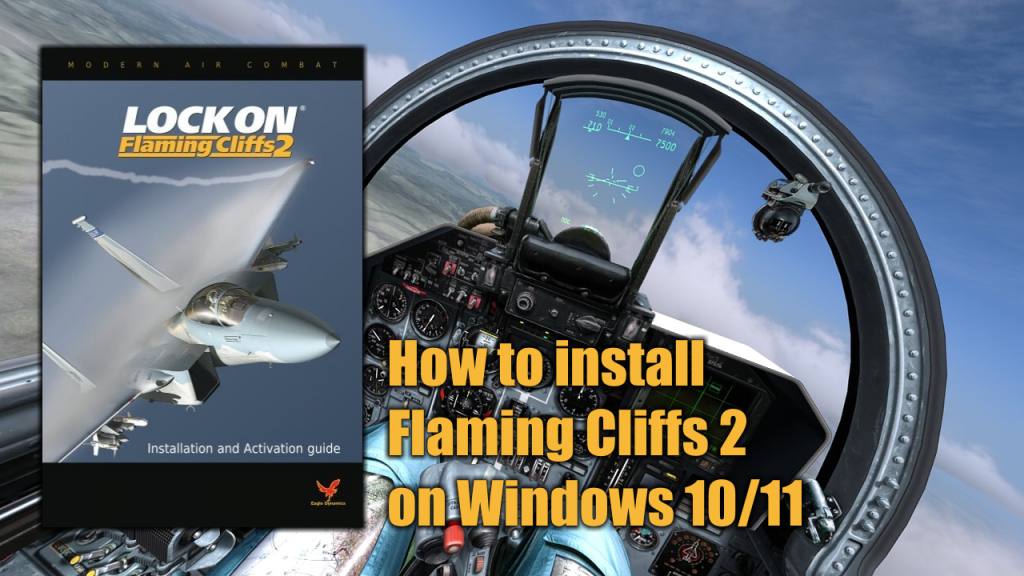
Lock-on Flaming Cliffs 2 is an expansion and an evolution of Lock-on: Flaming Cliffs which was by itself an unofficial add-on to Lock On: Modern Air Combat. It is applied either to the base game or on top of the original Flaming Cliffs. It contains the content of the original add-on as well as updates to aircraft, sensor, and weapon systems.
This add-on allows users of Lock On: Modern Air Combat and DCS: Black Shark to fly together in online multiplayer games, either head-to-head or working cooperatively in missions.
What do you need to install Flaming Cliffs 2
In order to install Lock-On Flaming Cliffs 2 in you Windows 10 or Windows 11 PC you will need to have the following programs available on your PC:
- The Flaming Cliffs 2 Installation CD/DVD o ISO image (Download / Mirror)
- The FC2 Patch 1.2.1 (Download / Mirror)
- The Activation Key Gen (Download / Mirror)
Important: before you run the keygen you have to disable any antivirus/antimalware software installed on you PC to avoid a false positive alert. You can enable back your antivirus/antimalware software once Flaming Cliffs 2 is activated.
Installation process
Before you begin to install Flaming Cliffs 2, you need to have Lock-On Modern Air Combat previously installed on your PC. Go to this page to know how to install LOMAC prior to FC2.
In this video I will show you how to install and activate LockOn Flaming Cliffs 2 on a modern Windows 10 or Windows 11 PC.
Leave a Reply