Flight simulation old and new

Category: HOW TO INSTALL Page 2 of 13

How to install tutorials for video games, programs and tools

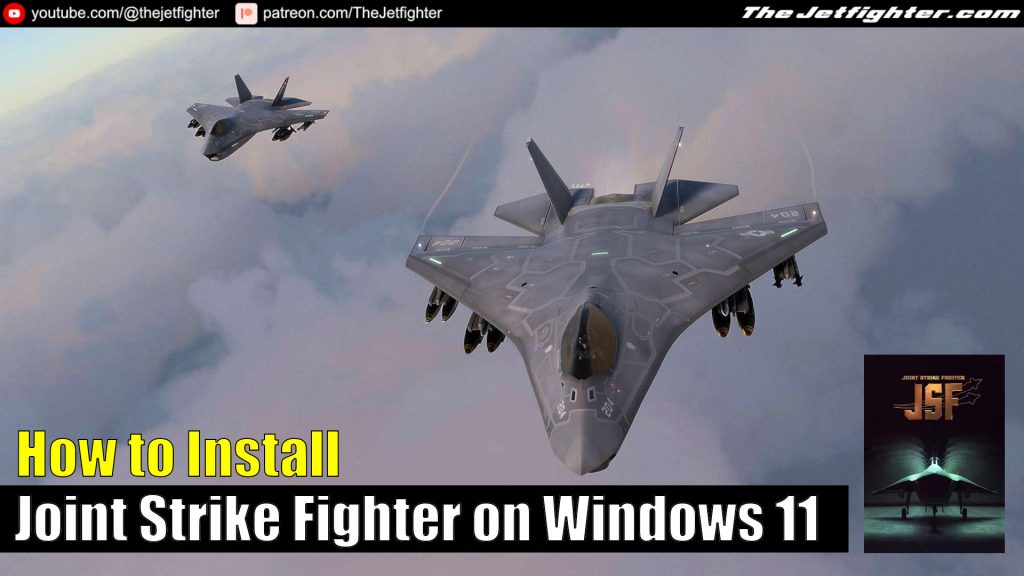
How to Install Joint Strike Fighter on Windows 11

 How to Install Joint Strike Fighter on Windows 11
How to Install Joint Strike Fighter on Windows 11

Joint Strike Fighter is a 1997 combat flight simulator designed by Innerloop Studios and published by Eidos Interactive. Innerloop produced the game chiefly to be a showcase for their cutting edge game engine, which they planned to license to other game developers.

The game lets the player assume the role of wing commander of an unnamed western alliance campaigning in four different (fictional) war scenarios taking place in Afghanistan, Colombia, Korea, and the Kola Peninsula. The player may pilot either of the two prototype multi-role combat aircraft that contended in the Joint Strike Fighter Program: the Lockheed Martin X-35 (later selected for production) and the Boeing X-32. 

What do you need to make the installation

To complete the installation of Whirlwind Over Vietnam on your Windows 11 PC you will need the following programs or software:

  • Joint Strike Fighter installation CD/.ISO image (Download)
  • Joint Strike Fighter game patch (Download)

Installation process

This is a standalone and straight forward installation process which is explained with more detail in the following video:

How to Install Whirlwind Over Vietnam on Windows 11

 How to Install Whirlwind Over Vietnam on Windows 11
How to Install Whirlwind Over Vietnam on Windows 11

Whirlwind Over Vietnam puts you in control of America’s first major use of helicopters in a support role. The UH-1B “Huey” helicopter became a symbol of US involvement in Vietnam, but it also had strategic abilities that didn’t exist before. 

The Marines first landed there on March 8th, 1965 with new weapons and the Hueys as transportation and fire support in landing zones. Become a pilot or gunner, choose your aircrew and decide the fate of Indochina. 

Autopilot mode allows to change view and watch the course of the game Engine-powered cut-scenes Real Vietnam locations.

What do you need to make the installation

To complete the installation of Whirlwind Over Vietnam on your Windows 11 PC you will need the following programs or software:

Installation process

This is a standalone and straight forward installation process which is explained with more detail in the following video:

How to install Combat Flight Simulator WWII Europe Series

 How to install Combat Flight Simulator WWII Europe Series
How to install Combat Flight Simulator WWII Europe Series

Microsoft Combat Flight Simulator: WWII Europe Series is the first version of all three combat flight simulation games from Microsoft. It was released on 1998 and it is set in the European Theatre of World War II. This game spawned two sequels: Combat Flight Simulator 2 in 2000 and Combat Flight Simulator 3: Battle for Europe in 2002. 

In this post I will show you how to install Microsoft Combat Flight Simulator: WWII Europe Series on a Windows 10 or a Windows 11 PC.

What do you need to make the installation

To complete the installation of Combat Flight Simulator WWII Europe Series on your Windows 10 or Windows 11 PC you will need the following programs or software:

  • Combat Flight Simulator WWII Europe Series installation image (Download / Mirror)
  • Combat Flight Simulator WWII Europe Series NOCD file (Download / Mirror)

Installation process

This is a standalone and straight forward installation process which is explained with more detail in the following video:

Page 2 of 13

Powered by WordPress & Theme by Anders Norén