Flight simulation old and new

Category: HOW TO INSTALL Page 3 of 13

How to install tutorials for video games, programs and tools

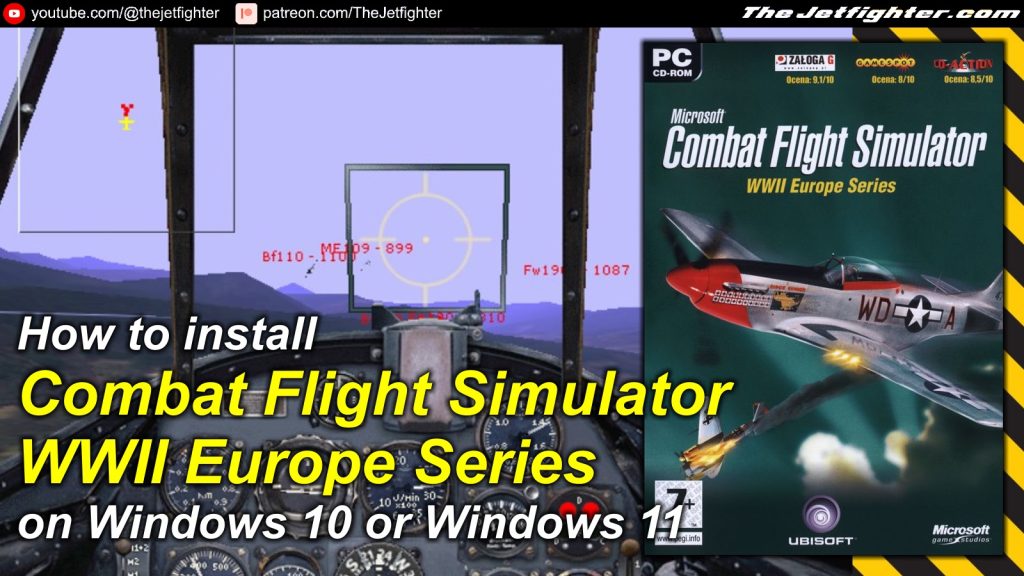
How to install Combat Flight Simulator WWII Europe Series

 How to install Combat Flight Simulator WWII Europe Series
How to install Combat Flight Simulator WWII Europe Series

Microsoft Combat Flight Simulator: WWII Europe Series is the first version of all three combat flight simulation games from Microsoft. It was released on 1998 and it is set in the European Theatre of World War II. This game spawned two sequels: Combat Flight Simulator 2 in 2000 and Combat Flight Simulator 3: Battle for Europe in 2002. 

In this post I will show you how to install Microsoft Combat Flight Simulator: WWII Europe Series on a Windows 10 or a Windows 11 PC.

What do you need to make the installation

To complete the installation of Combat Flight Simulator WWII Europe Series on your Windows 10 or Windows 11 PC you will need the following programs or software:

  • Combat Flight Simulator WWII Europe Series installation image (Download / Mirror)
  • Combat Flight Simulator WWII Europe Series NOCD file (Download / Mirror)

Installation process

This is a standalone and straight forward installation process which is explained with more detail in the following video:
How to install Jet Simulator 2009 on Windows 10 or Windows 11

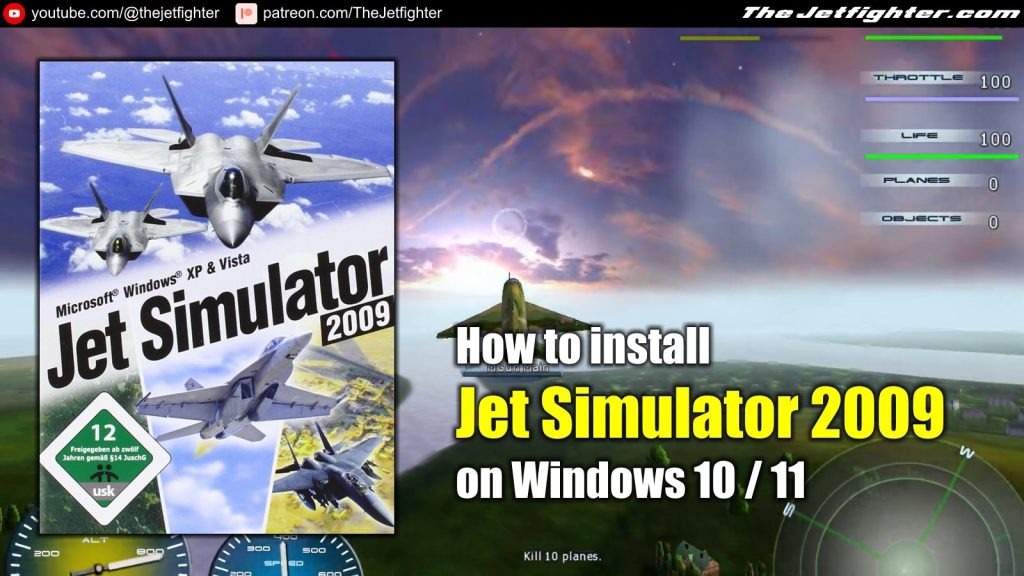
How to install Jet Simulator 2009 on Windows 10 or Windows 11

Jet Simulator 2009 is a pretty obscure combat flight simulation game published in Germany. The game was originally developed for Windows XP and Windows Vista but I will show you how to install it on Windows 10 or Windows 11.

What do you need to make the installation

To complete the installation of Jet Simulator 2009 on your Windows 10 or Windows 11 PC you will need the following programs or software:

  • Jet Simulator 2009 installation image (Download)
  • Jet Simulator 2009 NOCD file (Download)

Installation process

This is a standalone and straight forward installation process which is explained with more detail in the following video:

How to install F/A-18 Precision Strike Fighter on Windows 10 or Windows 11

 How to install F/A-18 Precision Strike Fighter on Windows 10 or Windows 11
How to install F/A-18 Precision Strike Fighter on Windows 10/11

F/A-18 Precision Strike Fighter is a detailed combat flight simulation game that puts players in the cockpit of the legendary McDonnell Douglas F/A-18 Hornet. Developed by Graphsim Entertainment, the game offers a highly realistic experience, blending authentic flight mechanics with dynamic mission scenarios.

Players engage in air-to-air and air-to-ground combat across diverse environments, utilizing advanced weaponry and avionics systems modeled after real-world counterparts. The game features a variety of single-player missions and multiplayer options, emphasizing tactical planning and precision execution.

Its detailed graphics and immersive sound design make it a standout choice for both aviation enthusiasts and fans of military simulations.

What do you need to make the installation

To complete the installation of F/A-18 Precision Strike Fighter on your Windows 10 or Windows 11 PC you will need the following programs or software:

  • F/A-18 Precision Strike Fighter installation image (Download)

Installation process

This is a standalone and straight forward installation process which is explained with more detail in the following video:

Page 3 of 13

Powered by WordPress & Theme by Anders Norén