Flight simulation old and new

Category: PROGRAMS & TOOLS Page 2 of 3

A series of programs and tools to make your game playable.

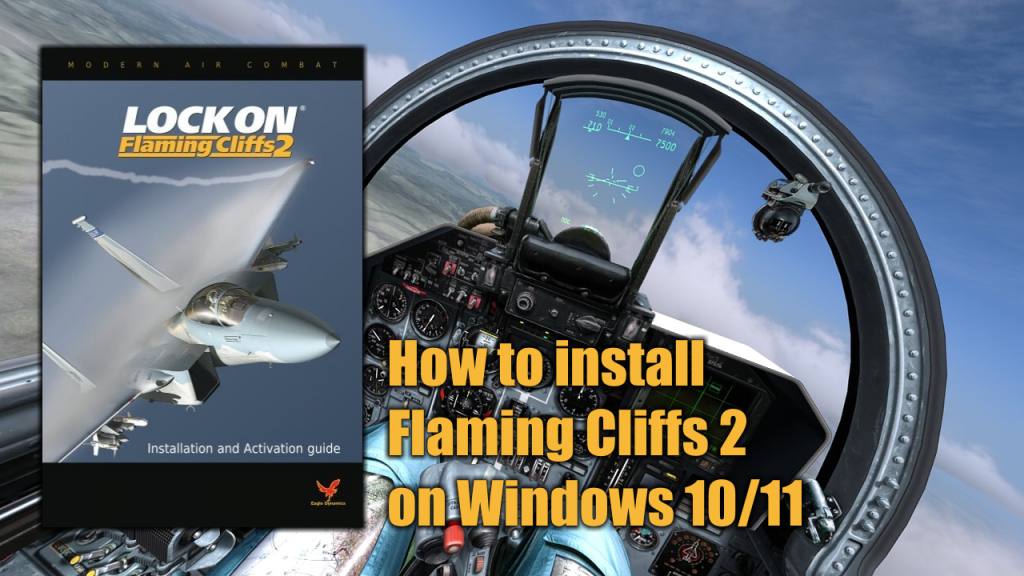
How to install Lock-On Flaming Cliffs 2 on Windows 10/11

How to install Lock-On Flaming Cliffs 2 on Windows 10/11

Lock-on Flaming Cliffs 2 is an expansion and an evolution of Lock-on: Flaming Cliffs which was by itself an unofficial add-on to Lock On: Modern Air Combat. It is applied either to the base game or on top of the original Flaming Cliffs. It contains the content of the original add-on as well as updates to aircraft, sensor, and weapon systems.

This add-on allows users of Lock On: Modern Air Combat and DCS: Black Shark to fly together in online multiplayer games, either head-to-head or working cooperatively in missions.

What do you need to install Flaming Cliffs 2

In order to install Lock-On Flaming Cliffs 2 in you Windows 10 or Windows 11 PC you will need to have the following programs available on your PC:

Important: before you run the keygen you have to disable any antivirus/antimalware software installed on you PC to avoid a false positive alert. You can enable back your antivirus/antimalware software once Flaming Cliffs 2 is activated.

Installation process

Before you begin to install Flaming Cliffs 2, you need to have Lock-On Modern Air Combat previously installed on your PC. Go to this page to know how to install LOMAC prior to FC2.

In this video I will show you how to install and activate LockOn Flaming Cliffs 2 on a modern Windows 10 or Windows 11 PC.
How to install Lock-On Modern Air Combat on Windows 10 or Windows 11

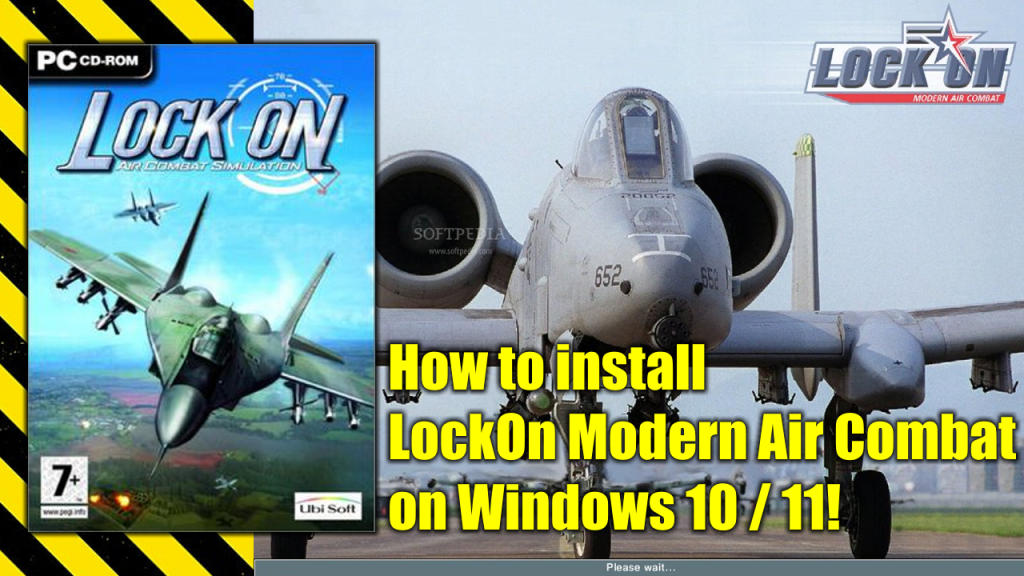
How to install Lock-On Modern Air Combat on Windows 10 or Windows 11

Lock On: Modern Air Combat or LOMAC, is a modern combat flight simulator developed by Eagle Dynamics published in 2003 by Ubi Soft in Europe/US and the 1C Company in Russia. 

The game features both air-to-air and air-to-ground combat including combat air patrol, dog-fighting, airstrikes, close air support, SEAD and anti-surface warfare. It simulates takeoff and landing including carrier operations with the Su-33 and Kuznetsov-class carrier.

What do you need to install LOMAC

Yo will need two files: the main Lock On Modern Air Combat game installation image and the Patch 1.01 installation file. You can get both by clicking here.

Installation process

In the following video I will show you how to install Lock On Modern Air Combat on a Windows 10 or Windows 11 PC.

Jetfighter III – Keyboard Commands Guide

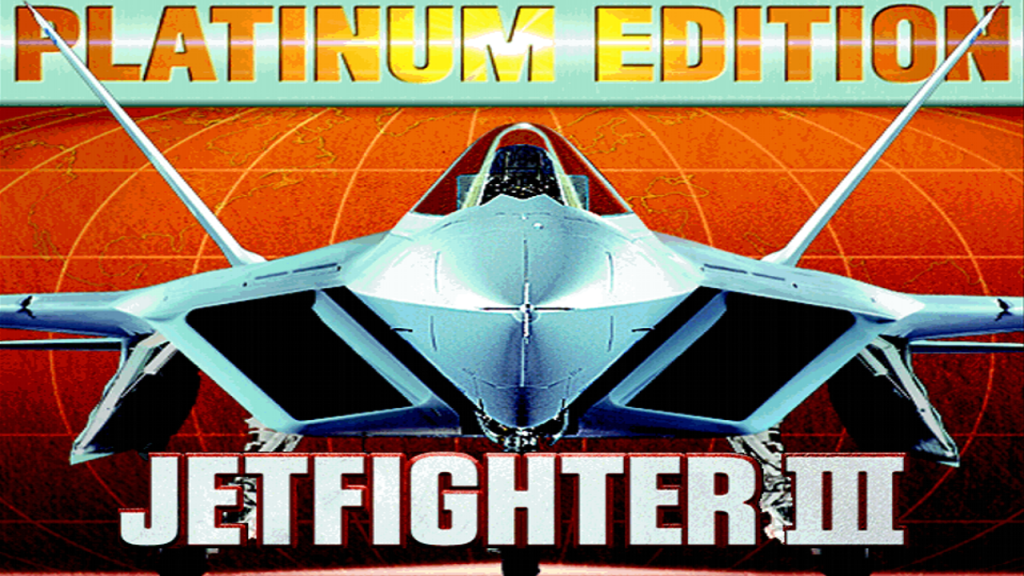
Jetfighter III
Jetfighter III

Back in the nineties, after my experience with the awesome Jetfighter II, I got my hands on the original Jetfighter III. It was mind blown by the changes made to the game compared to the previous releases.

Jetfighter III brought many changes not only in graphics but also in how many new thinks you could do with your planes. This meant new keys to memorize for all the new functions added to this version of the game.

Here’s the scan of the original Jetfighter III Keyboard Commands Guide for download to help you flight right away.

Page 2 of 3

Powered by WordPress & Theme by Anders Norén