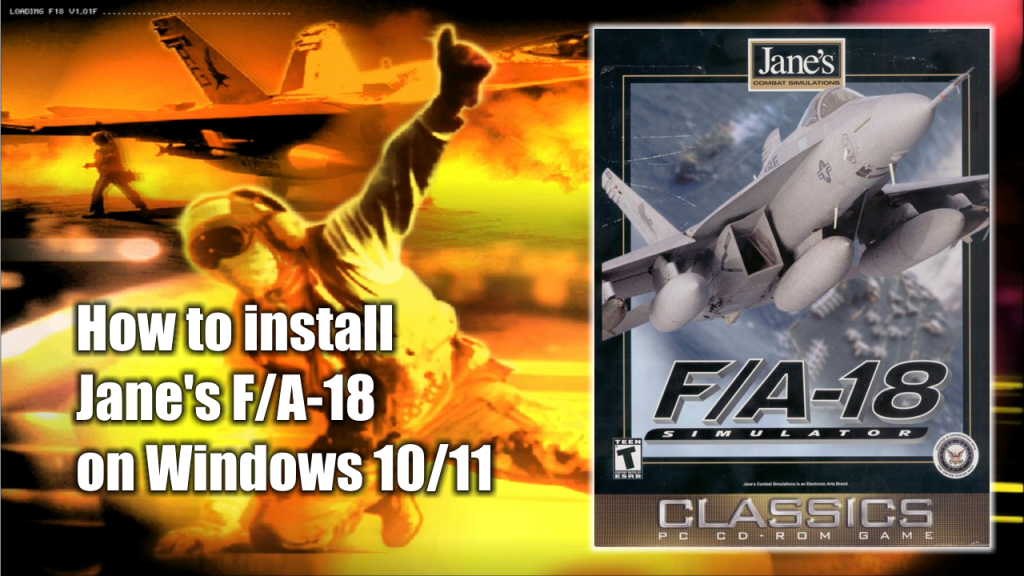
Jane’s Combat Simulations F/A-18 is one of the best flight simulators of the Jane’s flight simulation saga. Unfortunately, is one of the trickiest to install and trickiest to make work on modern computers since the game was published in 2000.
There are quite a few ways out there to install Jane’s F/A-18 on modern computers. Here I’m going to describe the way I have personally used and I’m using right now to make this game works on either Windows 10 or Windows 11.
But before we begin, I want to let you know that this installation process isn’t mine. I took it from this website where it describes the process to install this and other simulation games but here, I’m going to focus only on the installation process for Jane’s Combat Simulations F/A-18.
What do you need to install Jane’s F/A-18
- The Jane’s Combat Simulations F/A-18 installation CDs or .ISO image. (Download / Mirror)
- The Jane’s Combat Simulations F/A-18 1.01 patch (Download)
- DxWnd (Download)
- DxWnd Fix (Download)
Jane’s F/A-18 installation process
- Decompress the mydxwnd.7z file (you can do that with winrar) and copy its content on the root of your C: drive. The resulting directory path should be: C:\mydxwnd
- Insert the CD or mount the .ISO image of Jane’s Combat Simulations F/A-18 and make a full installation of the game on C:\mydxwnd\f18.
- Install DxWnd Fix files. Decompress the mydxwnd.fix.7z file (you can do that with winrar) and copy its content on the root of the C:\mydxwnd folder. Overwrite if necessary.
- Install the Jane’s F/A-18 v1.01F Patch first. Then overwrite the original F18.EXE at C:\mydxwnd\f18 with the one that came in the patch installation file.
- Run the configuration scripts in C:\mydxwnd:
- Run genini.cmd. It will generate config ini file for DxWnd with correct paths to the game.
- Run verify.cmd. This script will check files and hashes to ensure everything installed correctly in previous steps.
- Run nglide_setup.exe and setup glide wrapper. Enable Vertical Synchronization and Aspect correction.
How to run Jane’s Combat Simulations F/A18
In order to run the actual game, open the main game’s directory C:\mydxwnd, and then double click the dxwnd.cmd file. This will open the DXWnd window program.
In the DXWnd window look for the F18 icon. Double click on it and enjoy the game.
Martyn Lesbirel
patch link is broken
The Jetfighter
Link fixed 😀
Martyn Lesbirel
plus i keep getting f18.exe errors, 740 to be precise even though i have patched and added the no cd
The Jetfighter
Always open these old games as admin.
Martyn Lesbirel
Ok so ive got f18 to run but i cant do anything at the main menu, i dont have a proper mouse, just the windows mouse flickering, is there a setting ive missed or something??
Or i get a weird double mouse that lets me click the menu but makes the camera go crazy in flight
The Jetfighter
This has been happening to people lately. I think one of those Windows updates had something to do with it. I’ll keep searching to see if there is a solution to it.