Flight simulation old and new

Tag: LockOn Flaming Cliffs 2

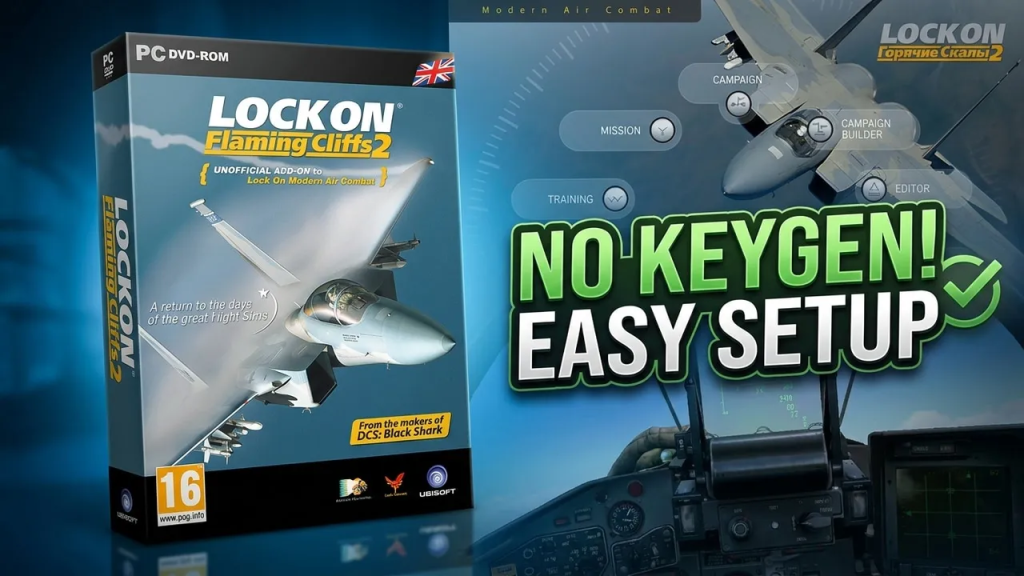
How to install LockOn Flaming Cliffs 2 (NO Keygen)

How to install LockOn Flaming Cliffs 2 (NO Keygen)

LockOn Flaming Cliffs 2 is a classic combat flight simulator that builds on the legacy of the original Lock On Modern Air Combat, delivering a deeper and more polished experience for fans of realistic military aviation. Developed by Eagle Dynamics and released in 2010, the simulator focuses on modern jet combat with flyable aircraft such as the A-10A Thunderbolt II, F-15C, and Su-27 Flanker. 

Known for its detailed avionics, improved flight models, and dynamic battlefield environments, the game struck a balance between accessibility and realism, making it a favorite among virtual pilots who wanted serious air combat without the steep learning curve of full-fidelity study sims. 

Even years after its release, LockOn Flaming Cliffs 2 remains an important stepping stone in the evolution of modern combat flight simulation and a nostalgic favorite within the flight sim community.

What do you need

All you need is the installation files. To get those files just click on this link: Lock On Flaming Cliffs 2

Installation process 

Since this installation won’t require any key activation, it’ll be a pretty fast, easy and straight forward process. But still you can watch the following video showing that process before installing the game on your PC.

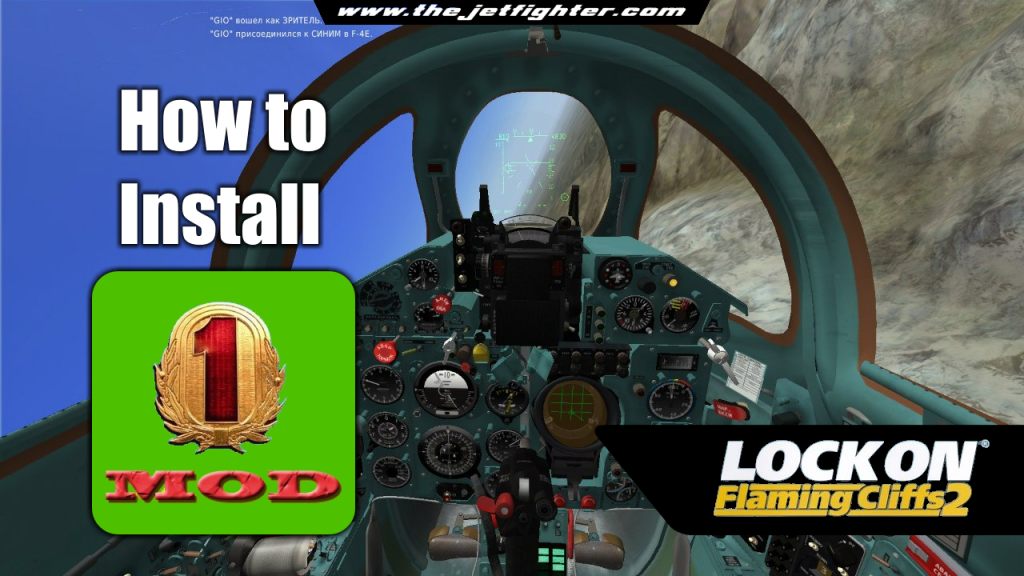
How to install the MOD-1 of Flaming Cliffs 2

How to install the MOD-1 of Flaming Cliffs 2

MOD-1 is a modified and improved upgrade for the combat flight simulation video game Lock-On Flaming Cliffs 2. Developed by the same people behind the Server BVB, the last online Flaming Cliffs 2 server in service nowadays.

The MOD allows us to control all the planes in the game with detailed 3D models and HD textures of all aircraft and cockpits. New cabins for transport aircraft and old aircraft, adds new countries to the list and realistic reload time for all aircraft among many, many other improvements.

Where to download the Flaming Cliffs 2’s MOD-1

The game is Russian made, so does the Server BVB’s group behind the MOD-1. As far as I know, the only social network profile this group has, can be visited in the “Russian Facebook” platform called VKontakte.

As of the making of this post, the latest version of MOD-1 is v.4.1. You can download the MOD from either Google Drive or Yandex Disk and has a “weight” of 2.51GB.

How to install MOD-1

In the following video I show a step-by-step guide to install the MOD-1. Off course, you need to have Lock-On Modern Air Combat and Lock-On Flaming Cliffs 2 previously installed on your PC in order to install and make this MOD works.

How to install Lock-On Flaming Cliffs 2 on Windows 10/11

How to install Lock-On Flaming Cliffs 2 on Windows 10/11

Lock-on Flaming Cliffs 2 is an expansion and an evolution of Lock-on: Flaming Cliffs which was by itself an unofficial add-on to Lock On: Modern Air Combat. It is applied either to the base game or on top of the original Flaming Cliffs. It contains the content of the original add-on as well as updates to aircraft, sensor, and weapon systems.

This add-on allows users of Lock On: Modern Air Combat and DCS: Black Shark to fly together in online multiplayer games, either head-to-head or working cooperatively in missions.

What do you need to install Flaming Cliffs 2

In order to install Lock-On Flaming Cliffs 2 in you Windows 10 or Windows 11 PC you will need to have the following programs available on your PC:

Important: before you run the keygen you have to disable any antivirus/antimalware software installed on you PC to avoid a false positive alert. You can enable back your antivirus/antimalware software once Flaming Cliffs 2 is activated.

Installation process

Before you begin to install Flaming Cliffs 2, you need to have Lock-On Modern Air Combat previously installed on your PC. Go to this page to know how to install LOMAC prior to FC2.

In this video I will show you how to install and activate LockOn Flaming Cliffs 2 on a modern Windows 10 or Windows 11 PC.

Powered by WordPress & Theme by Anders Norén